Game Utility — Lockdown Protocol
See everything. Automate anything. Own the station.
A private mod-menu & launcher for Lockdown Protocol. Wall-piercing ESP, one-click task automation, a teleport map — wrapped in the loudest menu in the lobby.
A private mod-menu & launcher for Lockdown Protocol. Wall-piercing ESP, one-click task automation, a teleport map — wrapped in the loudest menu in the lobby.
Two minutes inside a real lobby — menu, ESP, big map and task automation, live.
Everything you see is the actual overlay, rendered straight into the game.
Autoplay starts muted (browser policy) — unmute in the player for sound.
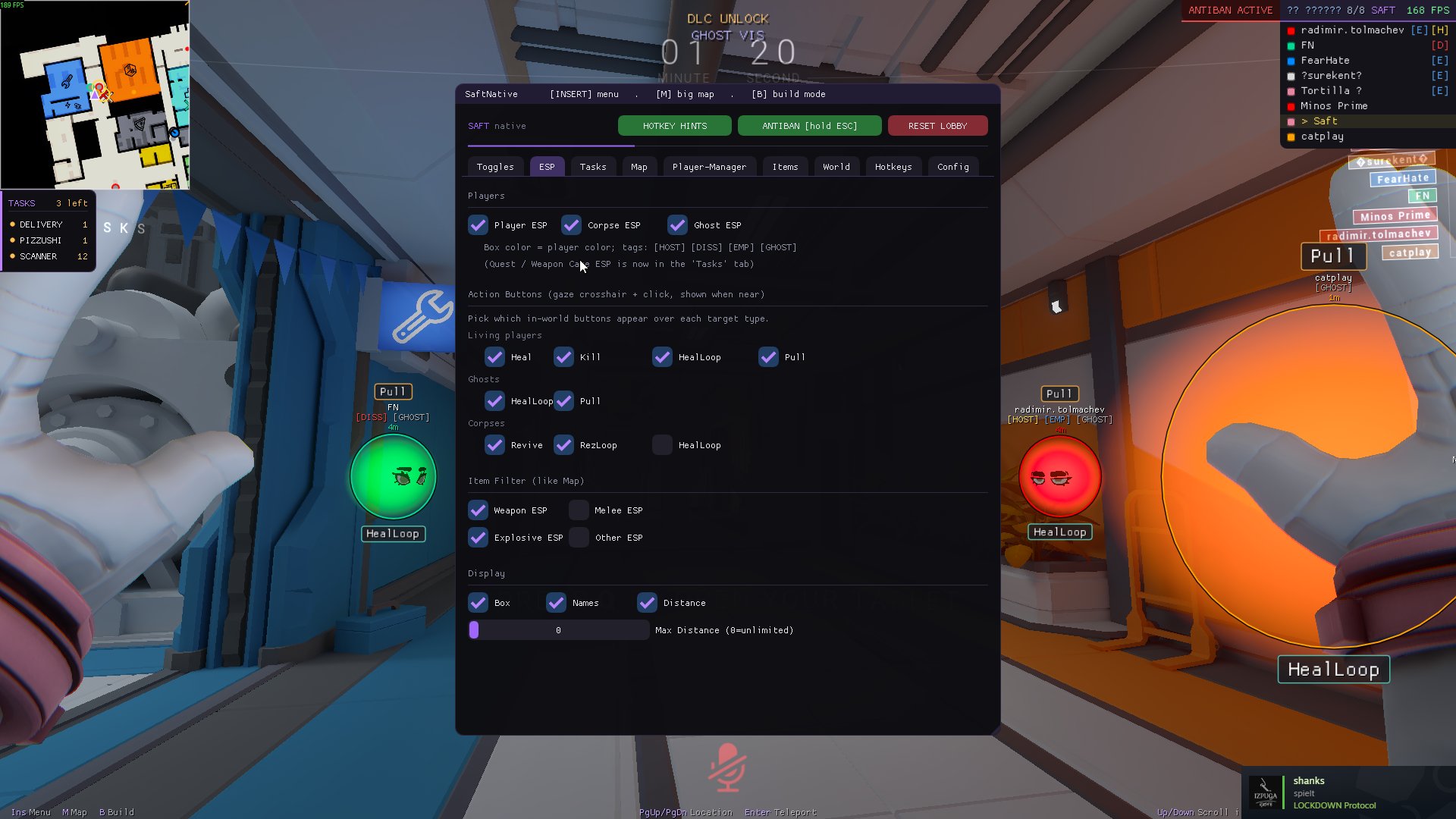
Ten pillars of the toolkit — every one of them one keypress away, right inside the match. Menu on INSERT.
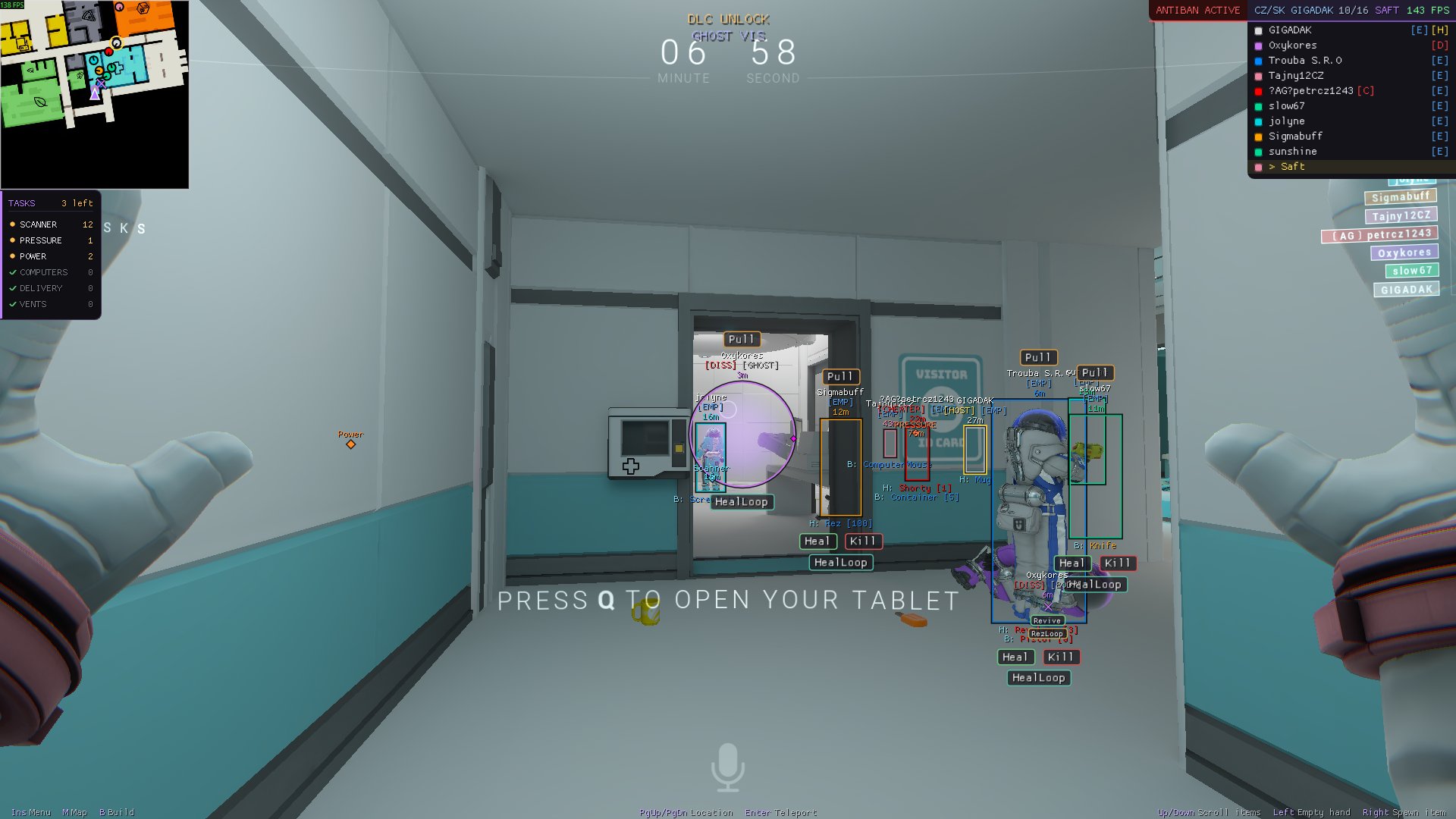
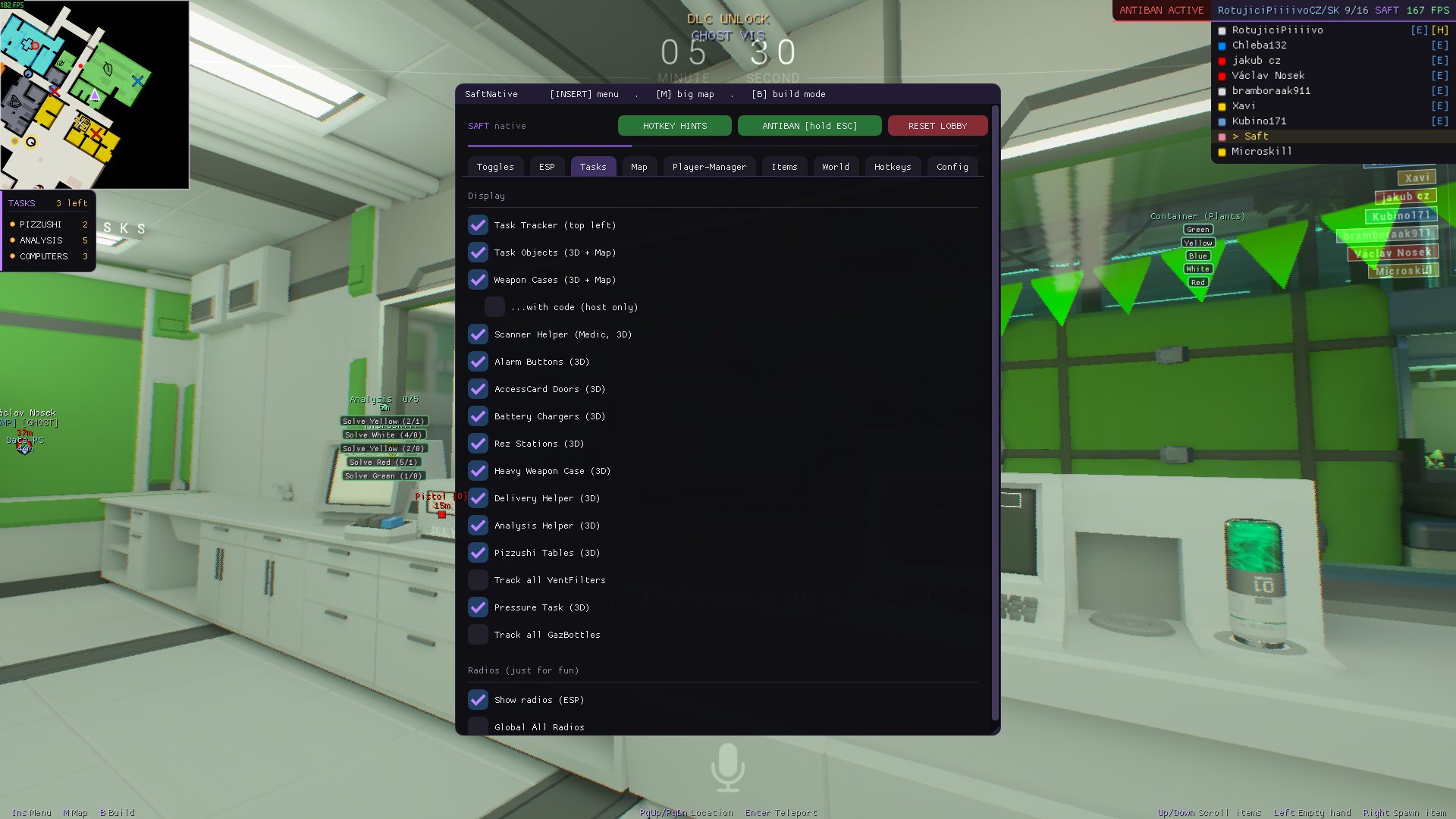
Players, NPCs, items, doors and interactables rendered straight through walls — names, distance, box styles, corpse & ghost ESP. If it exists on the station, you see it.
Fuses, chargers, deliveries, analysis — automated. Or hit one button and finish every remaining task at once.
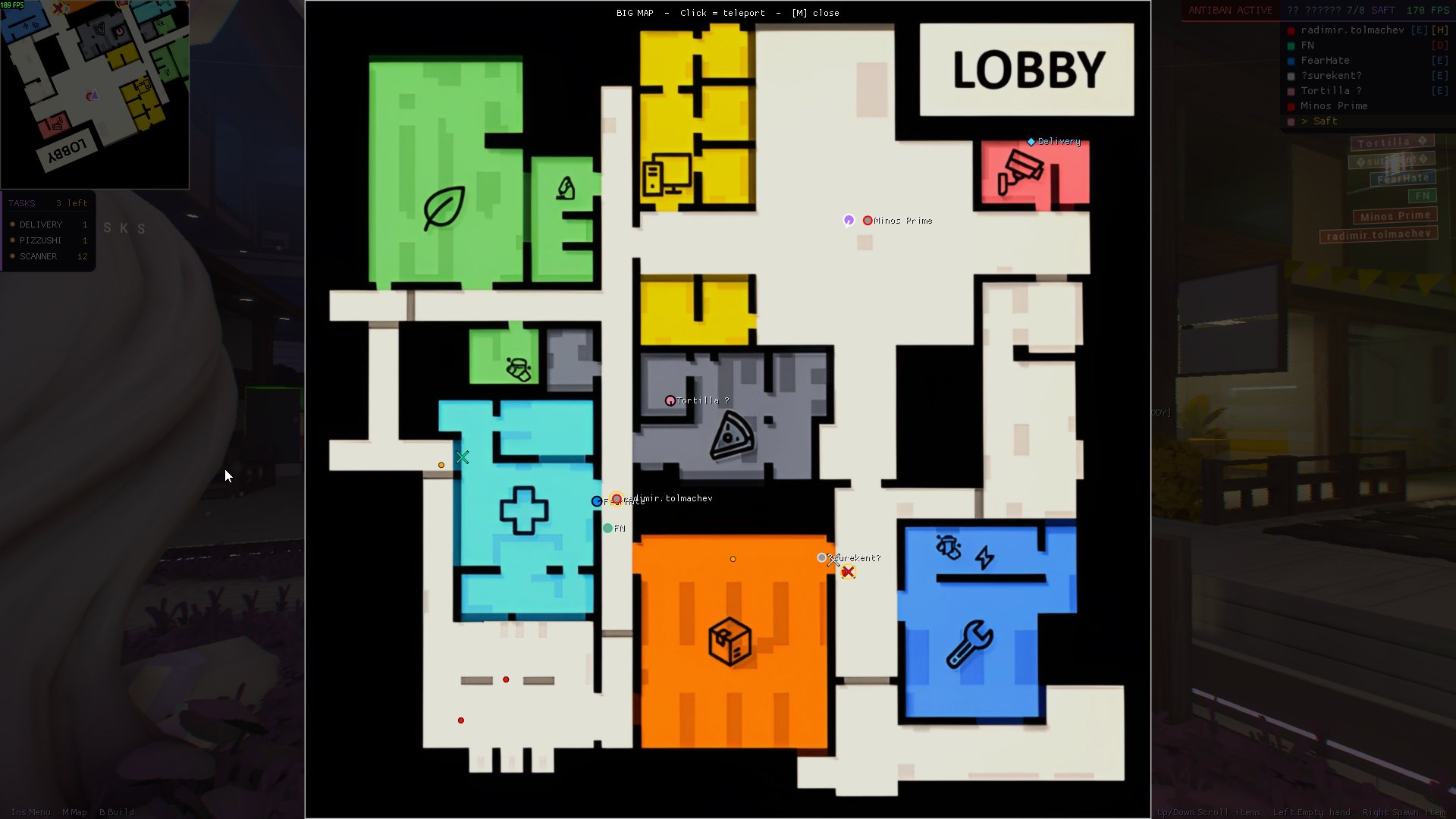
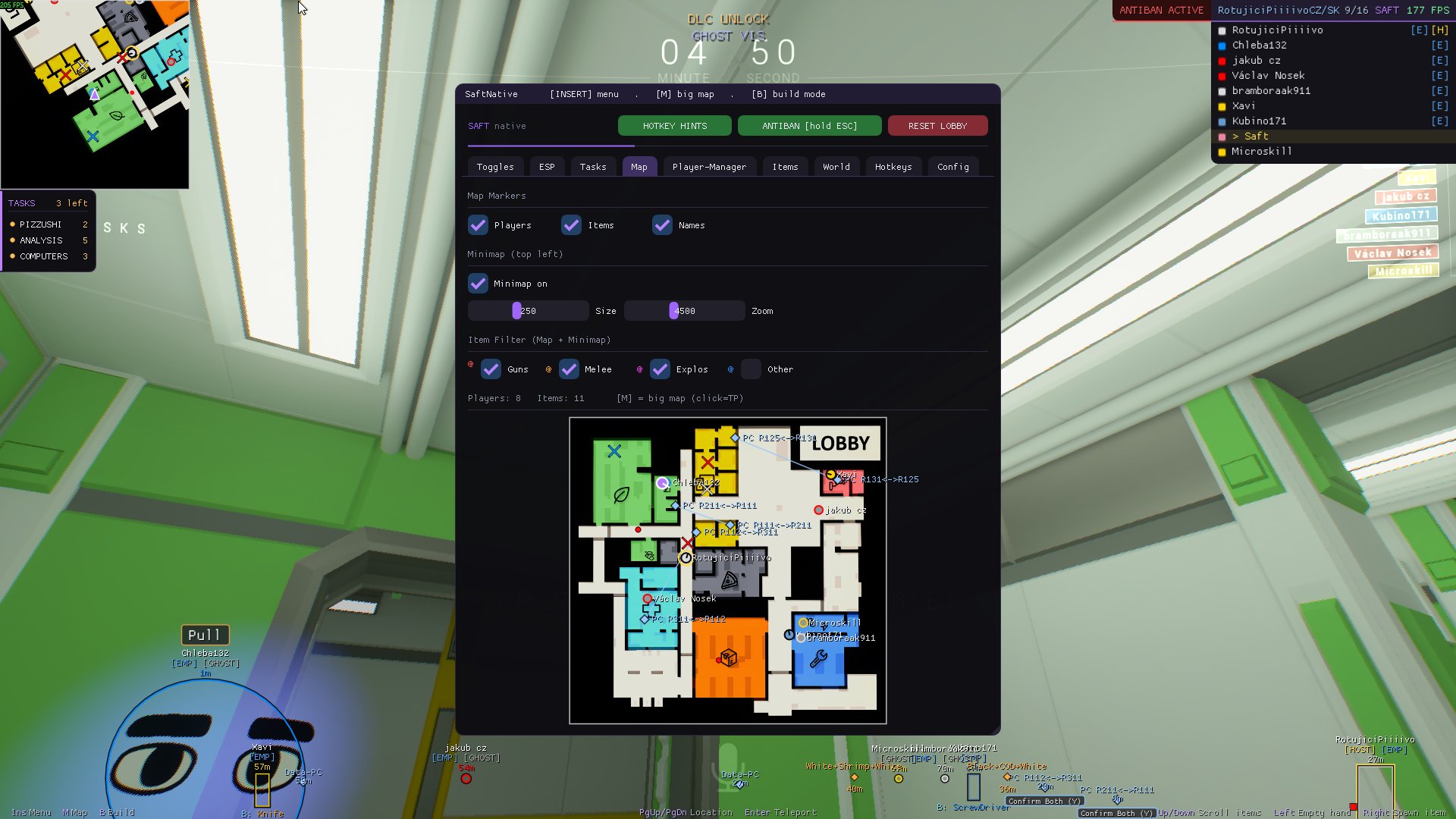
The whole station on M. Click any room — you're there. A rotated minimap keeps watch full-time.
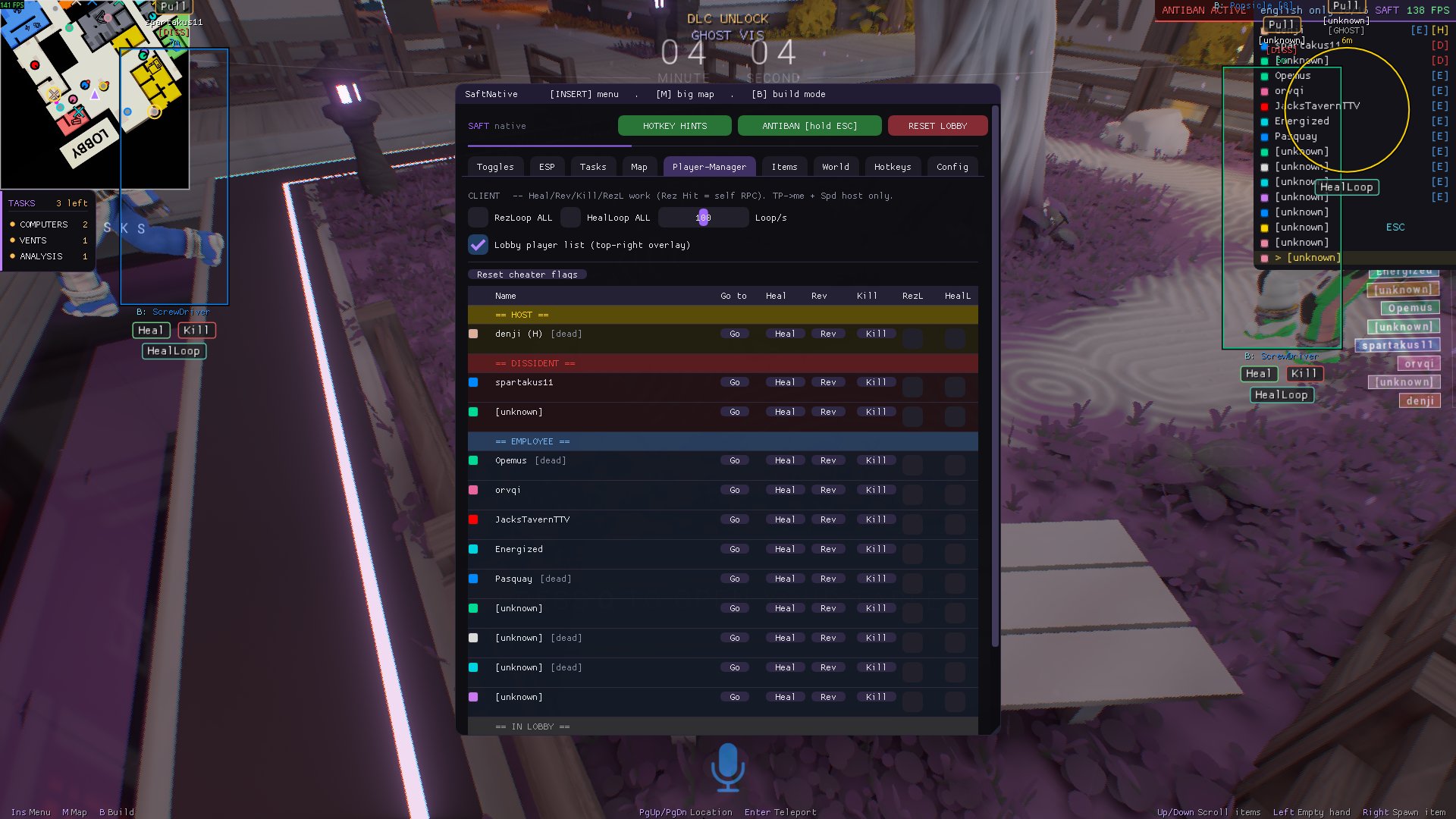
Heal, revive, kill, teleport or god-mode anyone in the match. Rez loops for your friends, speed control for everyone else. The lobby is yours to run.
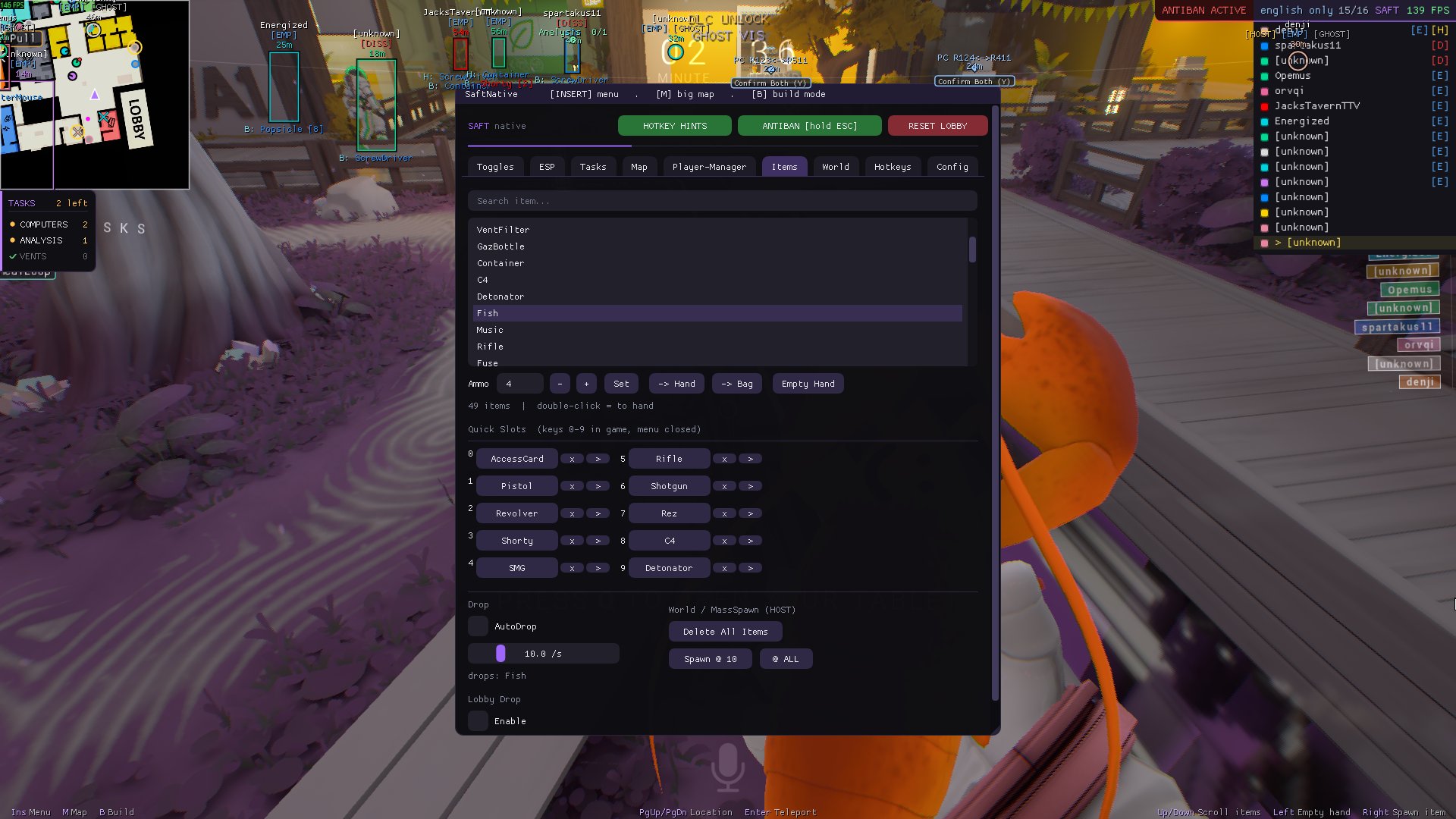
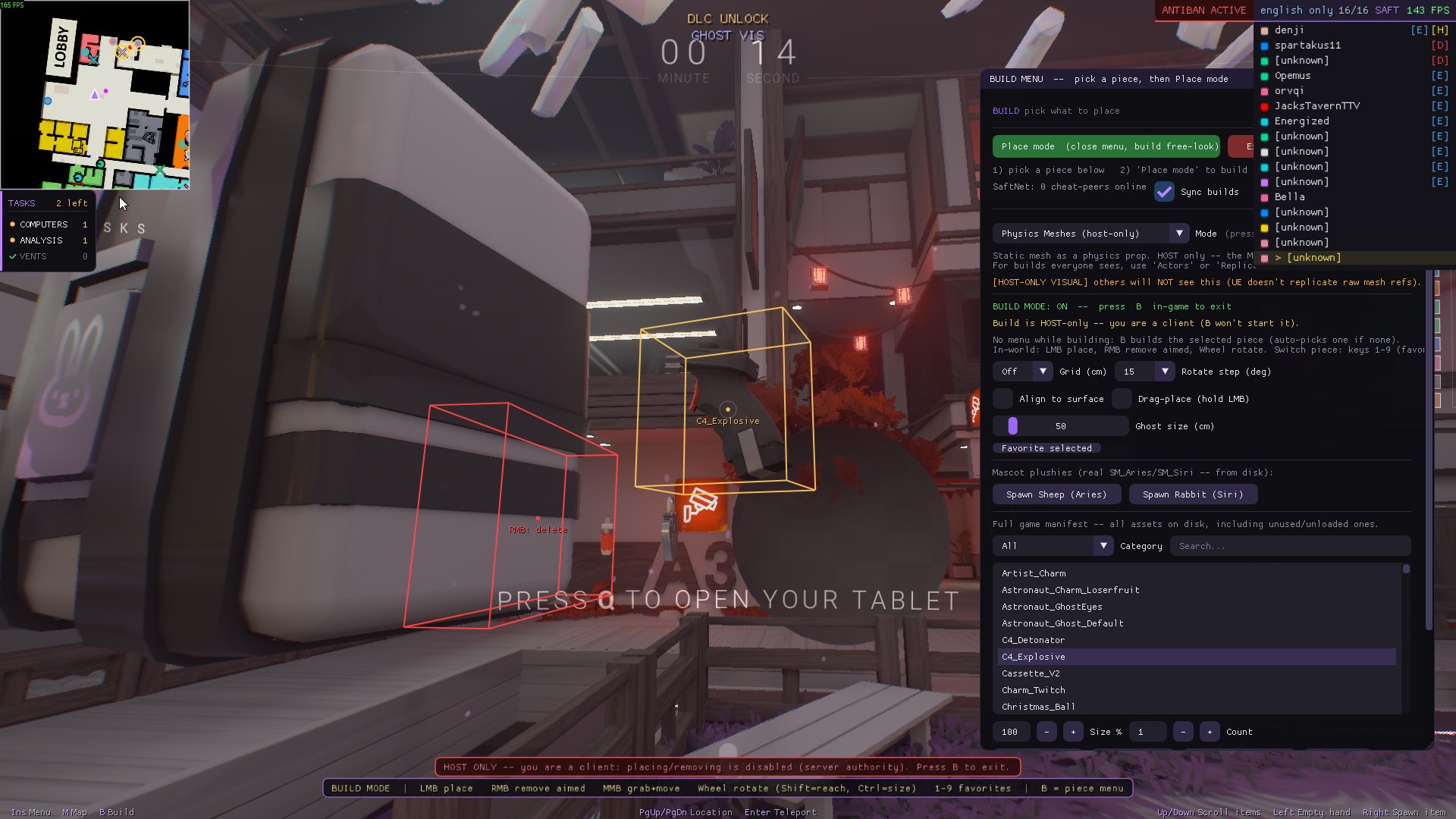
Any item straight into your hand or bag. Mass-spawn stacks, bind 10 quick slots for one-click access.
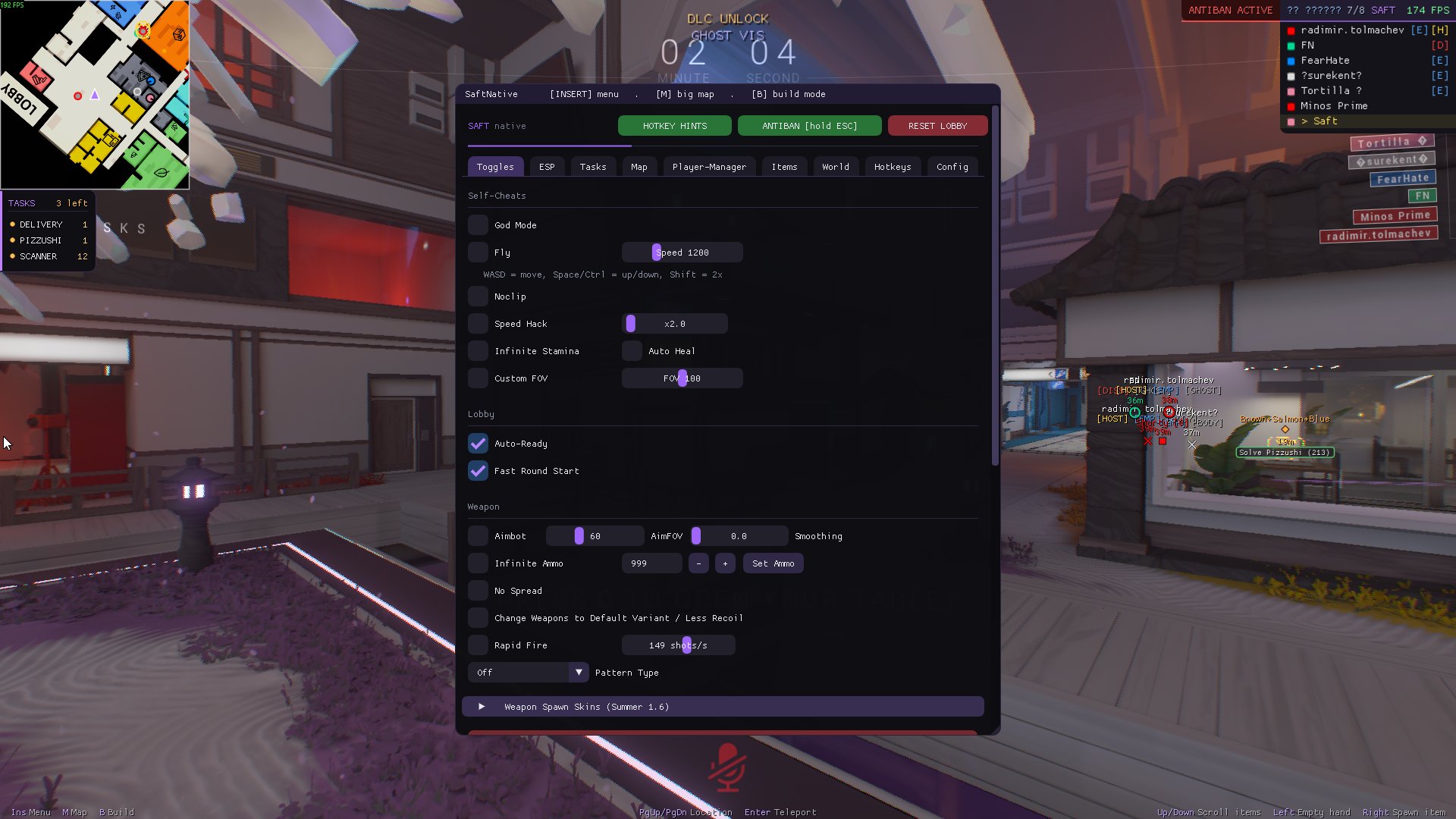
Fly, noclip, 16 teleport presets and save/load positions. The station layout is a suggestion.
No recoil, no spread, no shake. Rapid fire, infinite ammo and infinite stamina — smart-refill only on use.
Instantly self-disconnects when a host tries to kick you — rejoin with one click. Post-kick unstun built in.
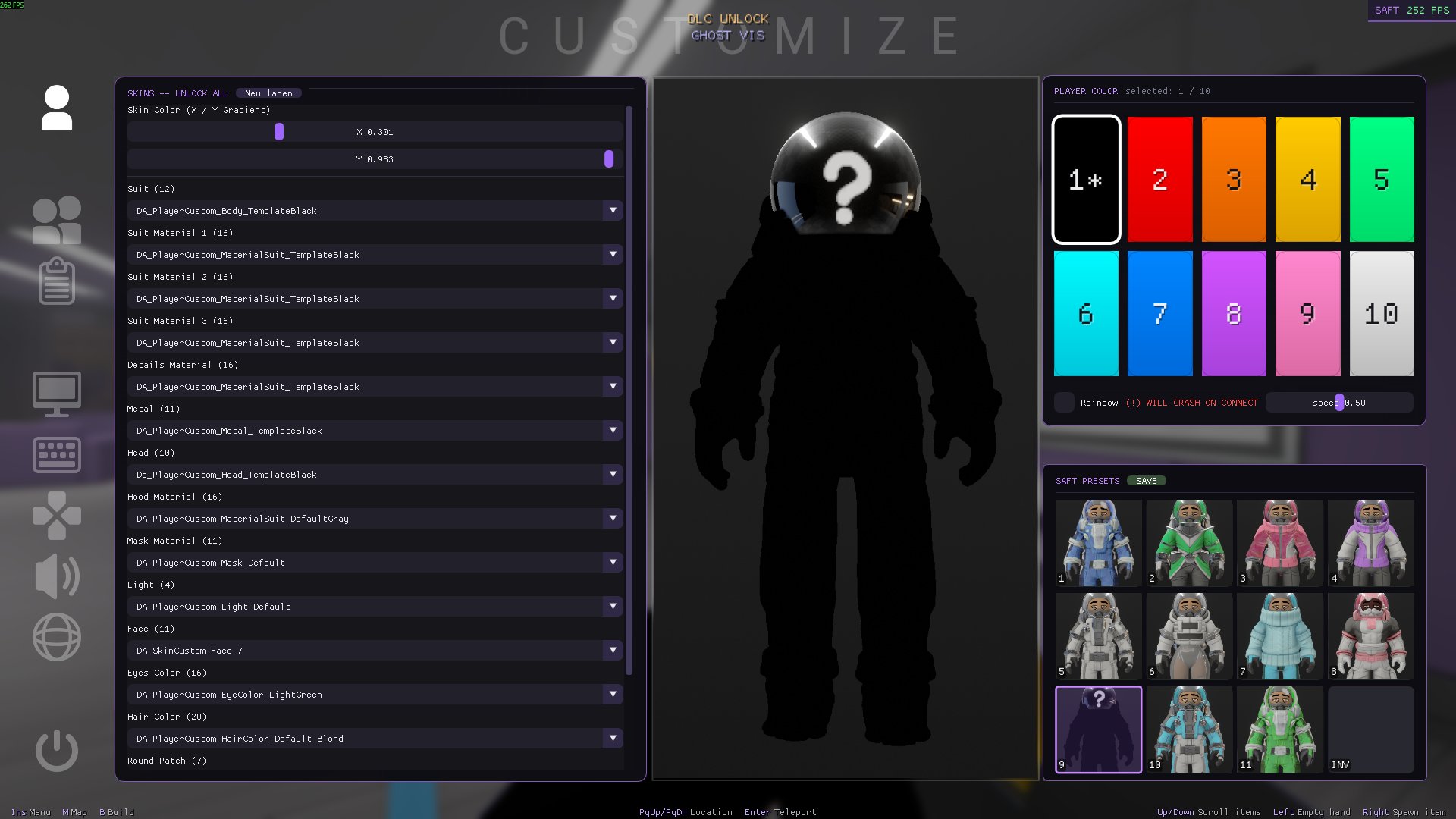
Twelve appearance presets including the invisible skin, an in-game customize overlay, ~30 rebindable hotkeys and savable config profiles. Make it yours.
Unlock all DLC content, enable admin mode and keep character customization always available.
No alt-tabbing, no overlays that fight the game. Click any shot to enlarge — arrows and ESC work.
No installers, no setup wizards. Three steps and the station is yours.
Grab the launcher below and start it. It updates itself on every launch — you're always on the latest build.
Paste your personal license key into the launcher. Keys are machine-bound and checked on every start.
Start Lockdown Protocol, hit inject, press INSERT for the menu and M for the big map.
Windows 10/11, 64-bit. Free updates, delivered automatically through the launcher.
Download LauncherGet your license key, fast support, update announcements and showcases from other users — everything happens on our Discord server.